Introduction
In today’s digital world, apps and websites are part of our daily lives. When using them, we often say things like “this app looks good” or “this app is easy to use”.
These experiences are designed using UI and UX. Many beginners think UI and UX are the same, but they are different. In this blog, we’ll understand what UI and UX are and the difference between them in a simple way.
What is UI design?
The “UI” in UI design stands for “User Interface”. UI refers to how a product looks. UI focuses on the visual design of a website or app. It consists of the buttons users click on, the text they read, the images, sliders, text entry fields, and all the rest of the items the user interacts with. This includes screen layout, transitions, interface animations and every single micro-interaction. Its main goal is to make the product attractive, clear, and visually appealing.
Simple Example: Think of a mobile phone, screen design, icons, and colors all are part of UI design.
UI includes
Navigation bar, menus, drop-downs, buttons, links, windows, rounded corners, shadowing, error messages, alerts, updates, checkboxes, password fields, search messages, text inputs, radio selections, text areas, hover states, selection states, pressed states, tooltips, banner ads, embedded videos, swipe animations, scrolling, clicking, iconography, colors, lists, slideshows, alt text, badges, notifications, gradients, pop-ups, OK/Cancel, etc.
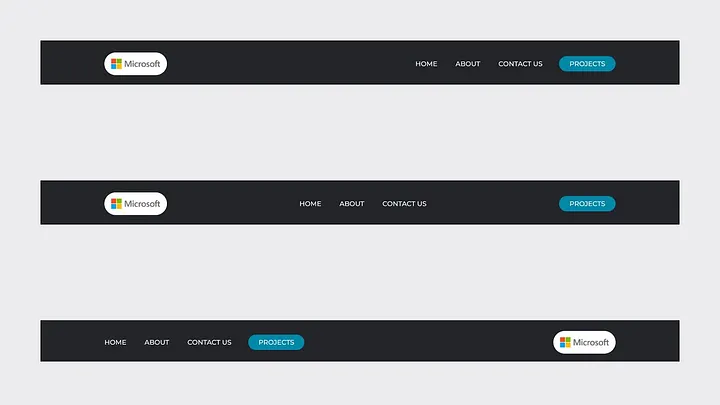
Navigation bar
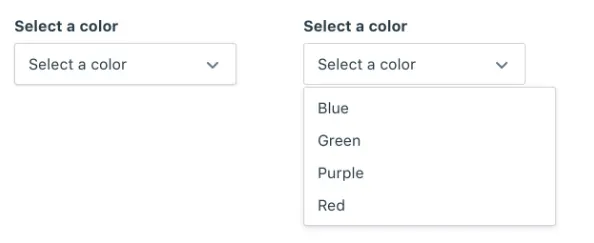
Drop-downs
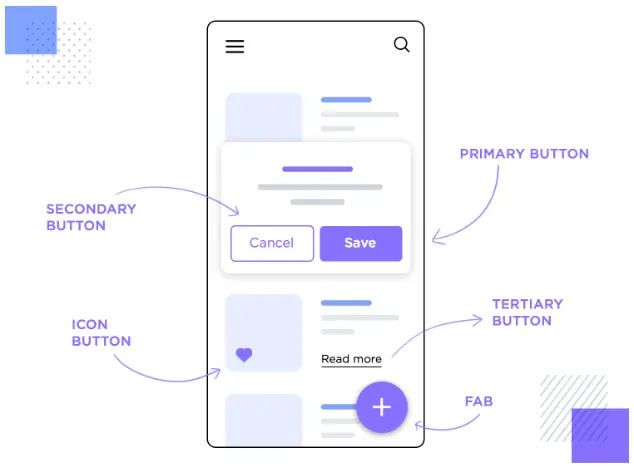
Buttons
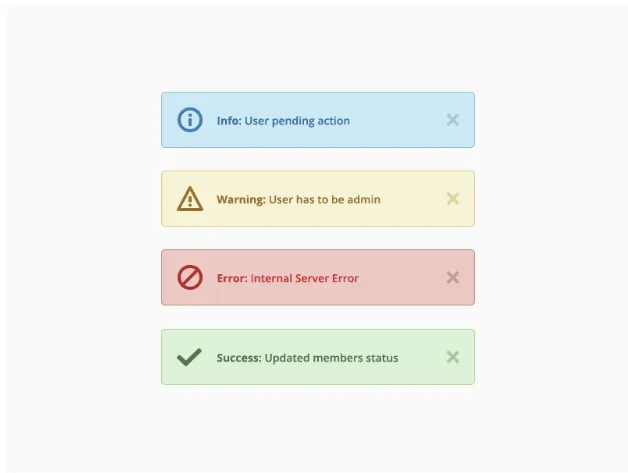
Error message
What is UX design?
The “UX” in UX design stands for “User Experience”. UX design focuses on making sure users feel comfortable and confident while using a product. It focuses on ease of use and comfort. In short, they design how the interface works. If it works well and feels seamless, the user will have a good experience. But if navigation is complicated or unintuitive, then a lousy user experience is likely.
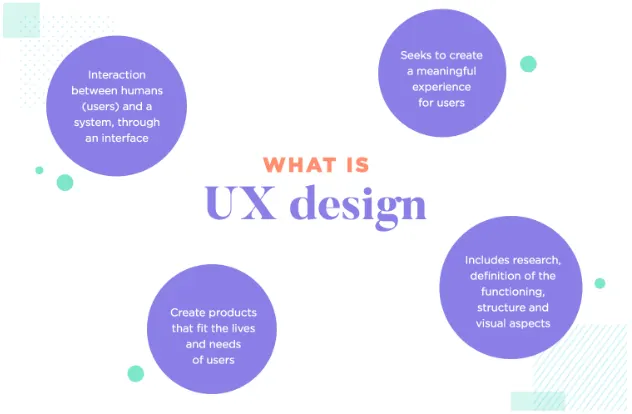
Simple Example: Think of a mobile phone, how easy it is to use, its battery life, and its smooth performance are all part of UX design.
UX includes
People, happiness, solving problems, understanding needs, love, efficiency, entertainment, pleasure, delight, smiles, soul, warmth, personality, joy, satisfaction, gratification, elation, exhilaration, bliss, euphoria, convenience, enchantment, magic, productivity, effectiveness, etc.
Difference Between UX and UI
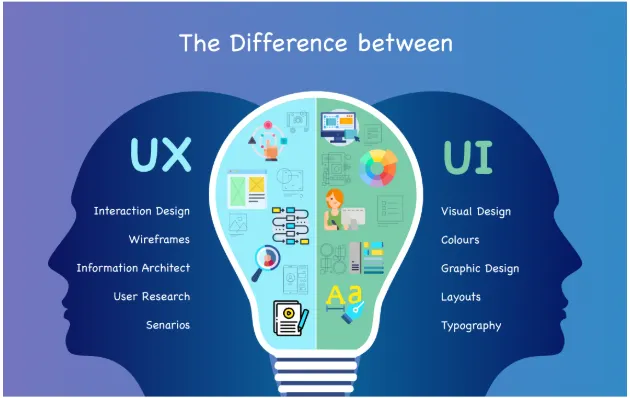
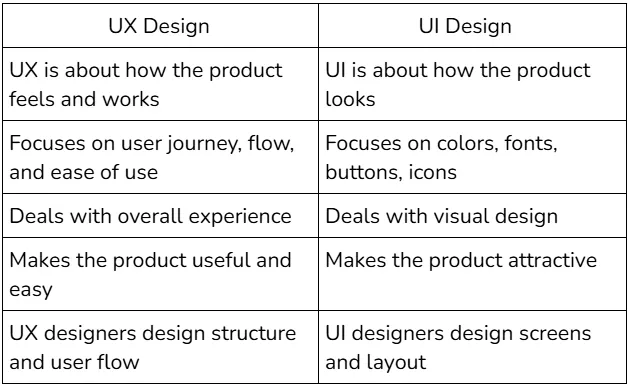
UX design is about the overall experience a user has while using a product. It focuses on understanding user needs, solving problems, and making the product easy, useful, and enjoyable to use. UX involves research, planning user journeys, improving usability, and ensuring smooth interaction from start to finish.
UI design, on the other hand, focuses on how the product looks and how users interact with visual elements. It includes designing buttons, icons, colors, typography, layouts, and animations to make the interface attractive, clear, and consistent.
In simple terms
- UI decides how the product looks
A great product needs both. Even the most beautiful interface will fail if it’s hard to use, and a well-designed experience won’t feel complete without a clean and appealing interface.
Now that you know the difference between UX and UI, try observing your favorite apps and see how design affects your experience.
Related Topics
Enjoyed this article?
Check out more blogs on our blog.