

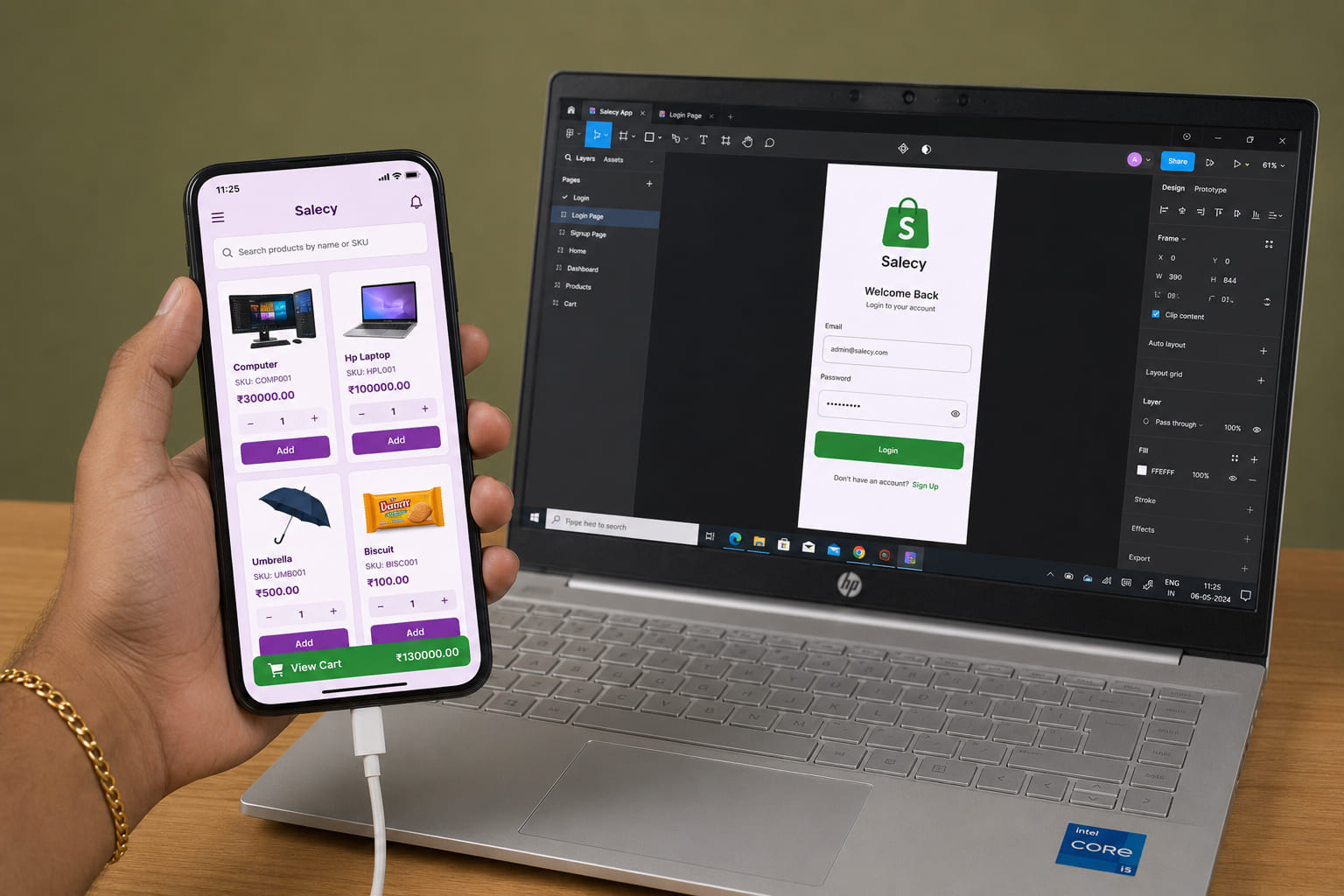
Native Android apps, built in Kotlin and Jetpack Compose.
We build production Android apps the way Google now recommends: Kotlin, Compose, and real-device testing. No XML holdovers, no bridged frameworks, no demos that fall over on a Samsung A-series.
Companies shipping Android at scale







3B+
Active Android devices worldwide
72%
Global mobile OS share
2M+
Apps live on Google Play
125K+
Apps shipping with Compose
Fit check
When does your app actually need native Android?
Here is when we recommend Android, and when we recommend a different path.
Android is a strong fit if
GOOD FIT•
You ship complex OS integrations: home screen widgets, foreground services, or direct hardware APIs.
•
You need consistent performance on mid-tier and budget devices, not a bridged framework's best effort.
•
Your audience skews international, where Android sits near 72% share and most devices are sub-$300.
Consider alternatives if
CHECK FIRST•
You need iOS and Android from one codebase and a single team budget.
•
The app is mostly screens, forms, and REST calls without heavy device APIs.
•
Time to a first release matters more than squeezing every frame out of low-end hardware.
Outcomes
What a real native Android build gives you
Production capabilities we build into Android projects.
Jetpack Compose UI
Declarative Kotlin UI across every screen size — foldables to compact Androids — with no fragile XML layouts or OEM skin surprises.
Real-device hardware testing
Firebase Test Lab across Pixel, Samsung, and budget OEMs, plus physical devices for battery, sensor, and network work emulators get wrong.
Deep OS integrations
Home screen widgets, foreground services, notifications, and media sessions built against current Android APIs.
Offline-first data layer
Room for local persistence, WorkManager for sync, and explicit conflict resolution so the app works on any connection quality.
Coroutines and Flow
Structured concurrency for network and database work. Nothing blocks the main thread, and no task outlives the Activity that scoped it.
Release-grade security
Android Keystore for credentials, R8 for code shrinking and obfuscation, and Network Security Config for TLS pinning. Standard enterprise baseline, applied by default.
Kotlin + native Android vs the alternatives
A practical comparison based on product fit, delivery speed, and long-term ownership.
OS integration
Native Android
Full
React Native
Plugin-gated
Flutter
Plugin-gated
PWA
Limited
Time to market (single platform)
Native Android
Slower
React Native
Fast (shared code)
Flutter
Fast (shared code)
PWA
Fastest
Hardware APIs
Native Android
Direct
React Native
Bridged
Flutter
Bridged
PWA
Minimal
Reach on mid- and low-end devices
Native Android
Best
React Native
Mixed
Flutter
Mixed
PWA
Browser dependent
Specialists
What a real native Android build gives you
We build Android products with production ownership in mind.
01
Jetpack Compose UI
Declarative Kotlin UI across every screen size — foldables to compact Androids — with no fragile XML layouts or OEM skin surprises.
02
Real-device hardware testing
Firebase Test Lab across Pixel, Samsung, and budget OEMs, plus physical devices for battery, sensor, and network work emulators get wrong.
03
Deep OS integrations
Home screen widgets, foreground services, notifications, and media sessions built against current Android APIs.
04
Offline-first data layer
Room for local persistence, WorkManager for sync, and explicit conflict resolution so the app works on any connection quality.
05
Coroutines and Flow
Structured concurrency for network and database work. Nothing blocks the main thread, and no task outlives the Activity that scoped it.
06
Release-grade security
Android Keystore for credentials, R8 for code shrinking and obfuscation, and Network Security Config for TLS pinning. Standard enterprise baseline, applied by default.
Android stack we ship on
Tools we use on Android engagements.

Kotlin

Jetpack Compose

Android Studio

Firebase

Gradle

Play Console

Retrofit
KMP
Android projects we have shipped
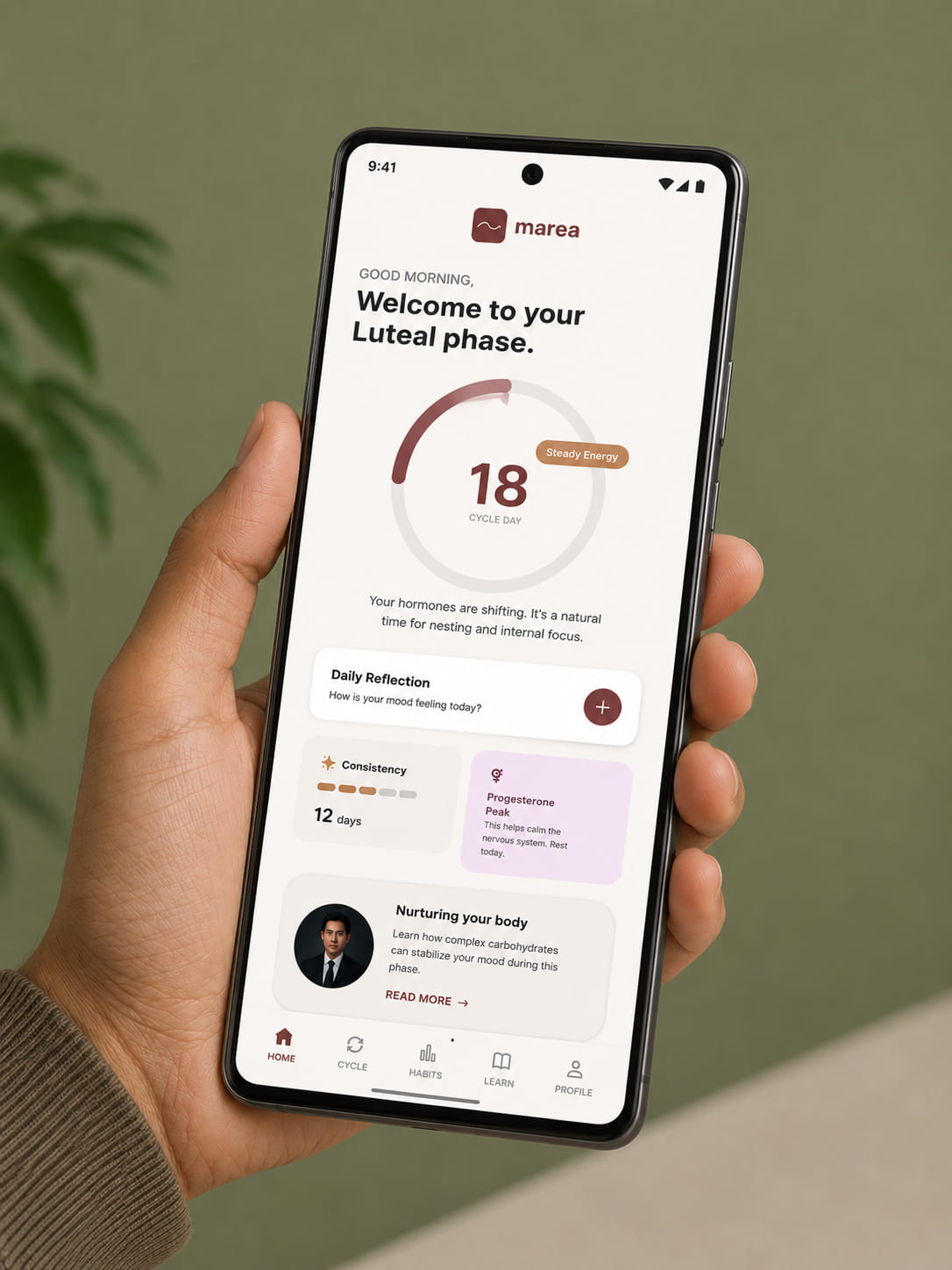
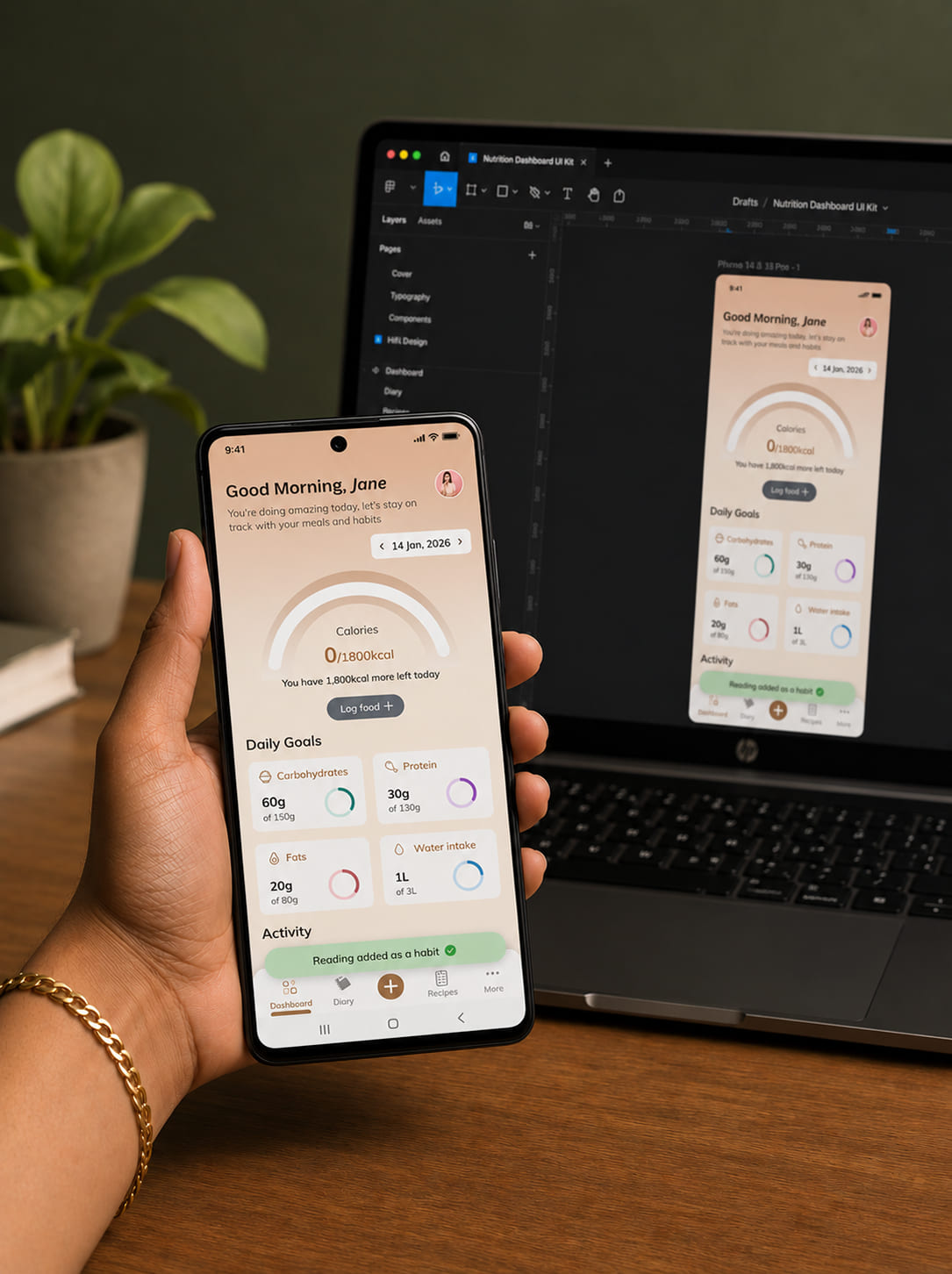
Representative project patterns and outcomes.
Problem / Solution
Problems we solve in Android builds
Common risks in Android projects and how we handle them.
One giant Activity class handling UI, network calls, and database writes in the same 2,000-line file.
MVVM with ViewModels that survive rotation, navigation, and process death. Single-responsibility Composables for every screen.
ANR crashes from blocking the main thread on cold-start network requests.
Coroutines for every network and database call, scoped to the right lifecycle owner.
XML layouts that squash, overflow, or clip on foldables, tablets, and 5-inch budget phones.
Adaptive Compose layouts that handle phone, foldable, and tablet breakpoints from one codebase.
Android FAQ
Common questions about Android projects.
For new screens, move to Compose. It is Google's recommended toolkit, over 80% of the top 1,000 Play Store apps now use it, and new Android APIs ship with Compose support first. Existing XML screens do not need a big-bang rewrite. We wrap them in ComposeView and migrate incrementally as product work touches them.
Ready to build on Android?
Bring the idea, a rough spec, or an existing Android codebase that needs cleaning up. We will scope it, map out a timeline, and tell you what is worth building first.