

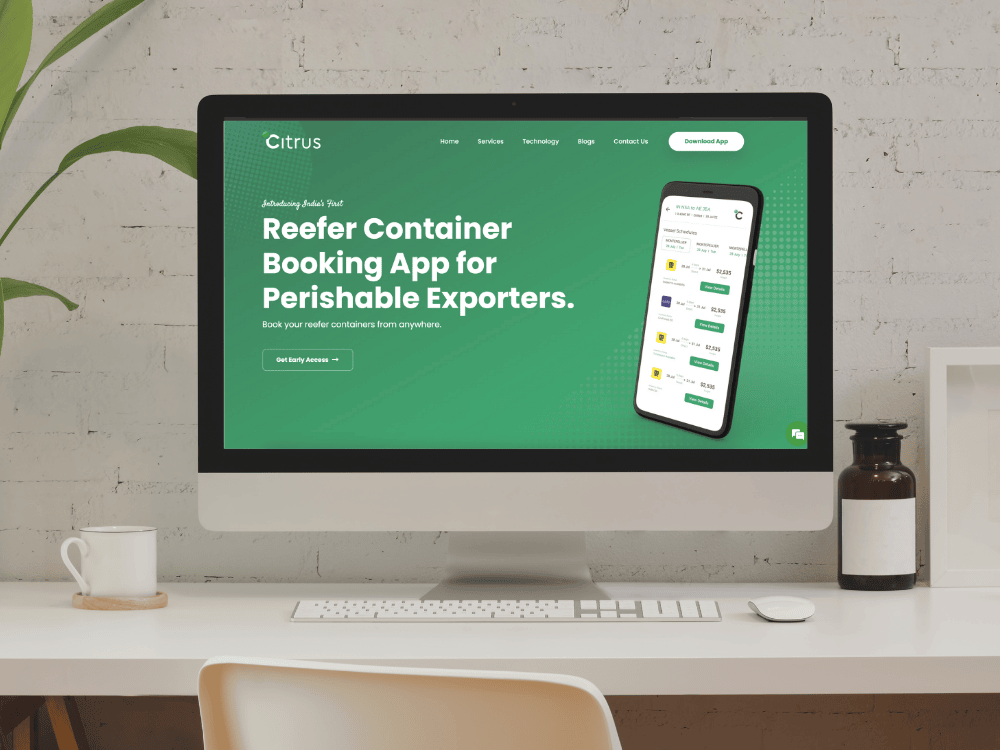
Native Apps That Feel Exactly Like Apple Intended.
Native iOS development produces the kind of experience Apple's ecosystem demands. When you need peak performance, pixel-accurate UI, and full OS integration, go native.
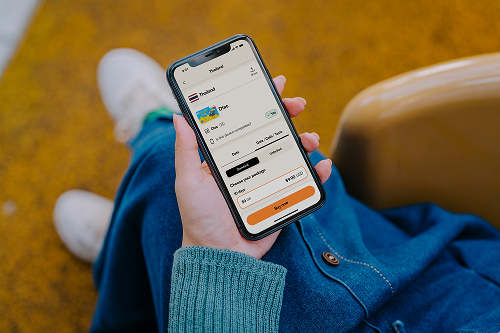
Companies building with Swift






2.5B
Active Apple devices worldwide
2M+
Apps on the App Store
120fps
ProMotion display rendering
46%
Higher day-30 app retention vs Android
Fit check
When does your app need native iOS?
Native is the right call when your app needs direct access to Apple hardware and zero compromises on motion quality.
iOS is a strong fit if
GOOD FIT•
Your app needs 120Hz ProMotion animations and consistent scroll performance across all devices.
•
You depend on hardware APIs like HealthKit, ARKit, or Core Bluetooth.
•
Your users are on iPhones and expect Apple Human Interface Guidelines.
•
Battery life and memory efficiency are non-negotiable for your use case.
Consider alternatives if
CHECK FIRST•
You're validating an MVP and speed-to-market is the only priority.
•
Budget is tight and you need iOS and Android coverage from one codebase.
•
Your app is data-display focused without deep hardware integration needs.
Outcomes
What a native iOS app actually delivers
What Swift and native code give you that cross-platform tools can't.
Full access to Apple's device APIs
Direct HealthKit, ARKit, and Core Bluetooth access — no wrappers, no abstraction layers between your app and Apple's frameworks.
Native performance without a JavaScript bridge
Swift compiles to machine code and runs on Apple hardware directly, with no JS bridge or rendering engine overhead.
Touch response that Apple users expect
Native UIKit and SwiftUI handle gestures, haptic feedback, and navigation patterns exactly as Apple's HIG specifies.
Apple Watch and iPad extensions
Shared Swift code and a single data layer extend your iOS app to watchOS and iPadOS with full native API access.
Lower battery drain and efficient memory use
Swift's ARC memory model and direct hardware access keep background overhead low and battery impact minimal.
Faster App Store approvals
Native Swift apps built with current Apple frameworks align with App Store review guidelines and pass on fewer cycles.
Swift / iOS vs the alternatives
How native Swift compares to cross-platform alternatives for iOS projects.
Performance
Native iOS
Perfect
Flutter
Near Native
React Native
Moderate
Kotlin Multiplatform
Near Native
Development Time
Native iOS
Moderate (1 OS)
Flutter
Fastest (2 OS)
React Native
Fast (2 OS)
Kotlin Multiplatform
Moderate (2 OS)
UI Consistency
Native iOS
Absolute Native
Flutter
Custom rendering
React Native
Bridge Native
Kotlin Multiplatform
Native per platform
Learning Curve
Native iOS
Moderate (Swift)
Flutter
Easy (Dart)
React Native
Easy (JS/React)
Kotlin Multiplatform
Moderate (Kotlin)
App Store Compliance
Native iOS
Guaranteed
Flutter
High
React Native
High
Kotlin Multiplatform
High
Hardware Access
Native iOS
Unrestricted
Flutter
Plugin Reliant
React Native
Plugin Reliant
Kotlin Multiplatform
Platform APIs
Specialists
iOS specialists, not generalists who "also do iOS".
Our iOS engineers work inside Apple's ecosystem full-time.
01
Senior iOS engineers, not retrained JS devs
We don't put frontend developers through a two-week Swift crash course. Our iOS engineers have spent years building production apps in Apple's ecosystem.
02
Deep Swift and SwiftUI experience
Protocol-oriented design, generics, structured concurrency, SwiftUI's declarative patterns. Our team writes Swift the way Apple intends it to be written.
03
Apple Human Interface Guidelines built in
Your users won't see an Android-style navigation drawer forced into an iOS frame. We follow Apple's HIG because that's what iOS users expect.
04
Custom UI with CoreAnimation
Instead of relying on third-party animation packages, we build custom views and layer CoreAnimation directly for smooth, 60fps screen transitions.
05
App Store submission expertise
Certificates, provisioning profiles, review guidelines, privacy manifests. We handle the full App Store submission pipeline and know how to avoid rejection.
06
Device testing across Apple hardware
We test on real iPhones and iPads, covering battery drain, UI layout issues, push notification delivery, and performance across older and current devices.
iOS stack we ship on
Tools we use on iOS engagements.

Swift

UIKit
Xcode

Firebase

CloudKit

Crashlytics

TestFlight

SwiftUI
iOS projects we have shipped
Representative project patterns and outcomes.
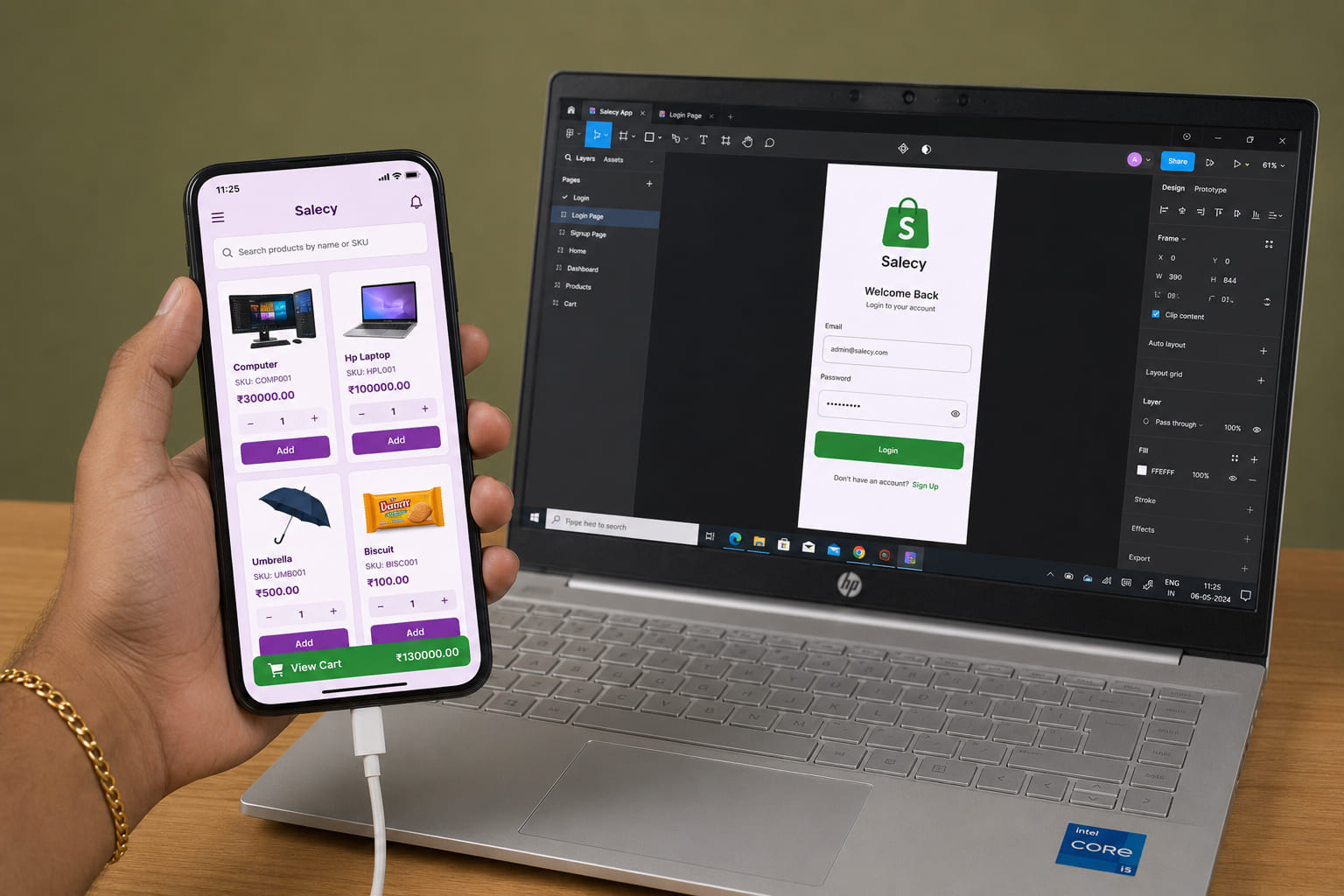
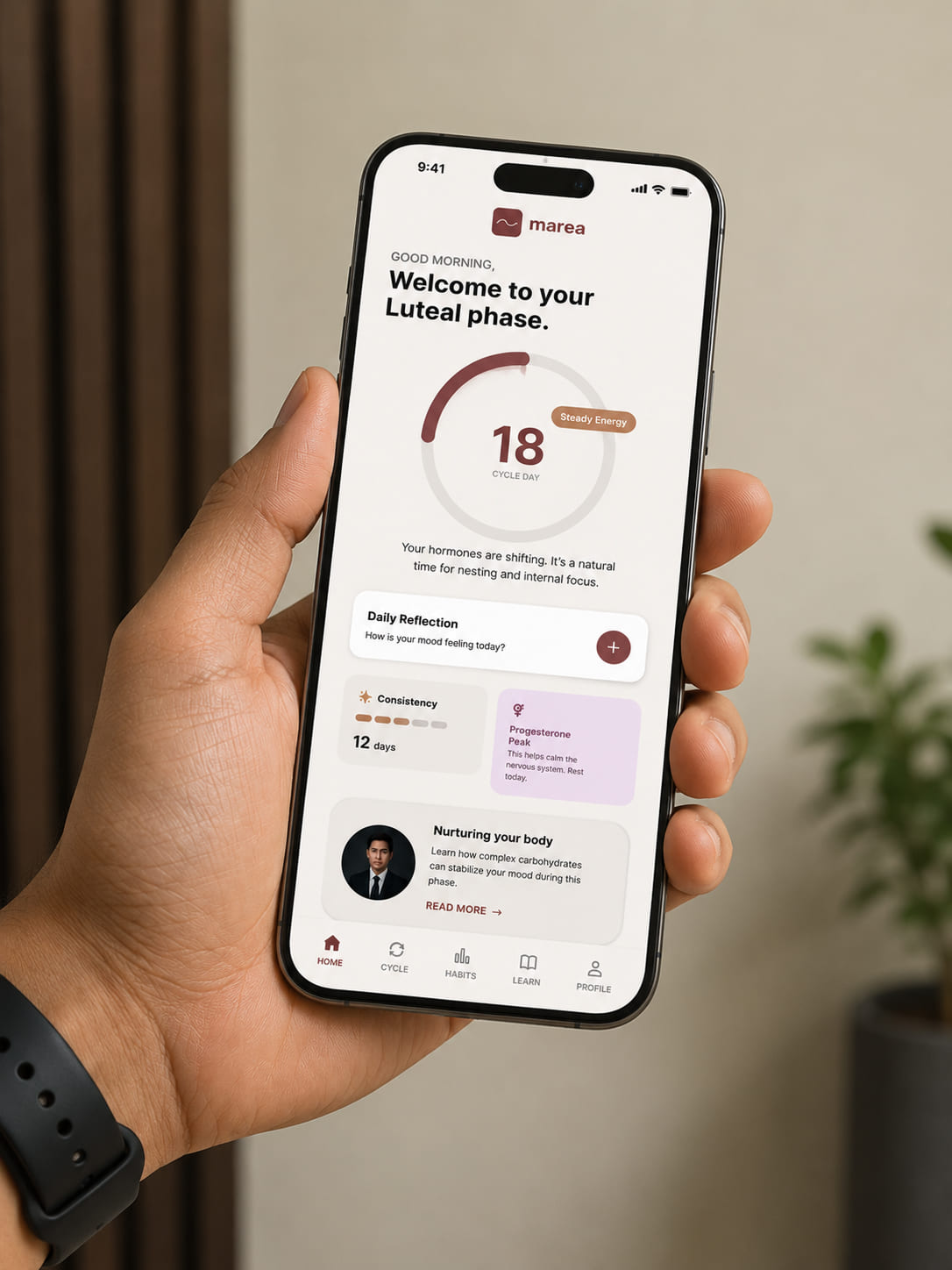
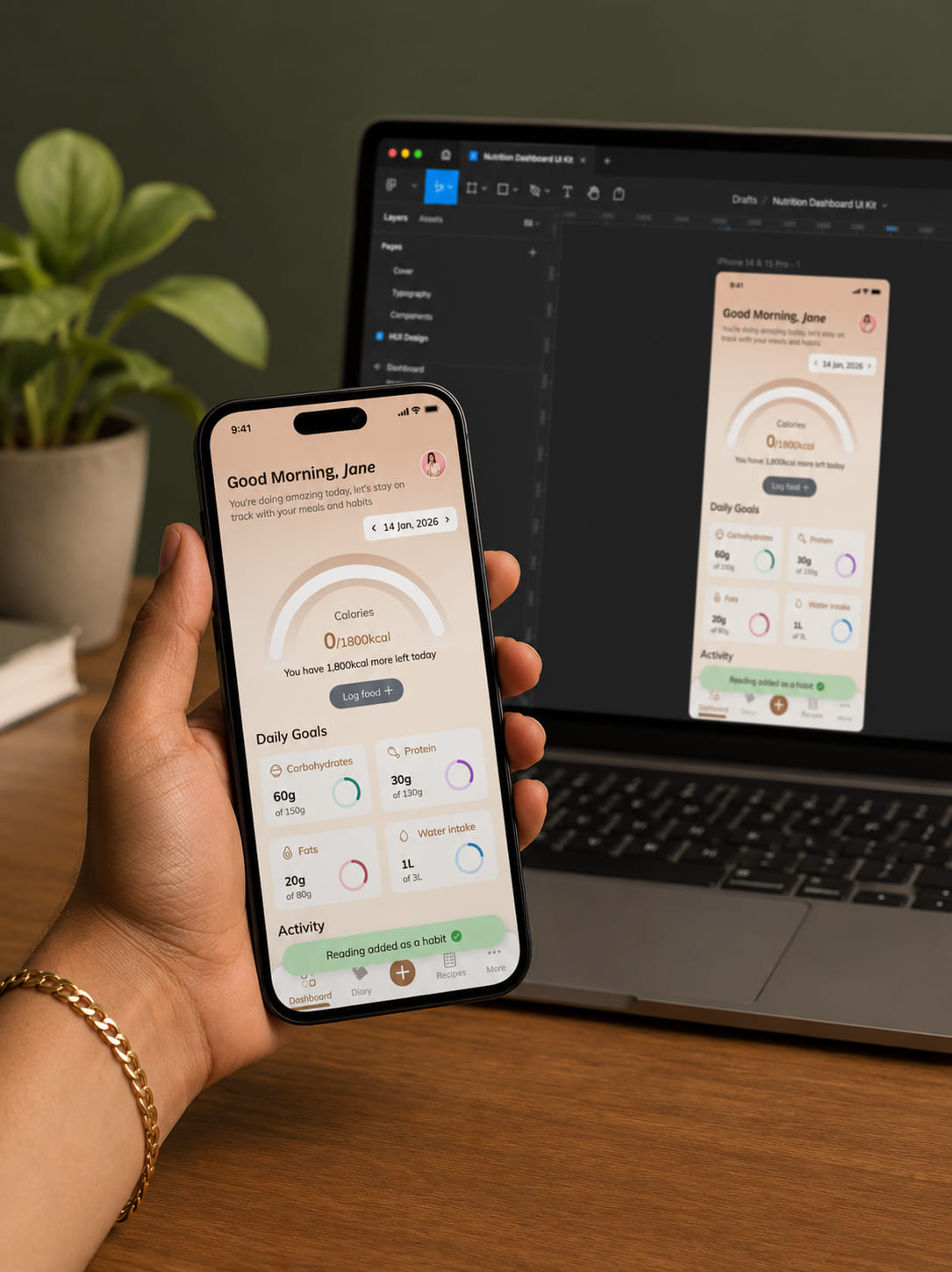
Problem / Solution
Problems we solve in iOS builds
Common risks in iOS projects and how we handle them.
"Our app feels janky, scrolls stutter on older iPhones and the memory leaks are terrible..."
Stable 60fps and 120fps animations through native rendering. We profile memory allocations and fix leaks at the Instruments level.
"The architecture is a mess from a previous outsource agency. Features constantly overlap and crash."
Clean architecture with modular Swift packages, solid test coverage, and CI/CD that catches regressions before they ship.
"Apple Store review rejects our builds constantly. We don't have anyone familiar with the policy loop."
A team that reads every App Store guideline update and knows how to structure builds, metadata, and privacy declarations to pass review.
iOS FAQ
Common questions about iOS projects.
A production iOS app typically costs between $40,000 and $250,000 depending on complexity. Simple data-display apps with standard UI sit at the lower end. Apps with custom hardware integration, real-time features, or complex offline sync push costs higher. We scope every project individually and provide a fixed estimate before work begins.
Ready to build your iOS app?
Tell us about your product, and we'll show you how native Swift development fits your goals. No pitch decks, just a technical conversation.